
Weldforge update: tell it what to connect, AI figures out the how
by Green Dolphin Software, Integration practice
Our product Weldforge has one promise: a business user describes what they want connected in plain language, and it gets built, hosted, and run for them — no engineers, no glue code, flat fee. This week we shipped a wave of updates that push that promise further. The theme is simple: you say what; AI works out the how. Here is what is new.
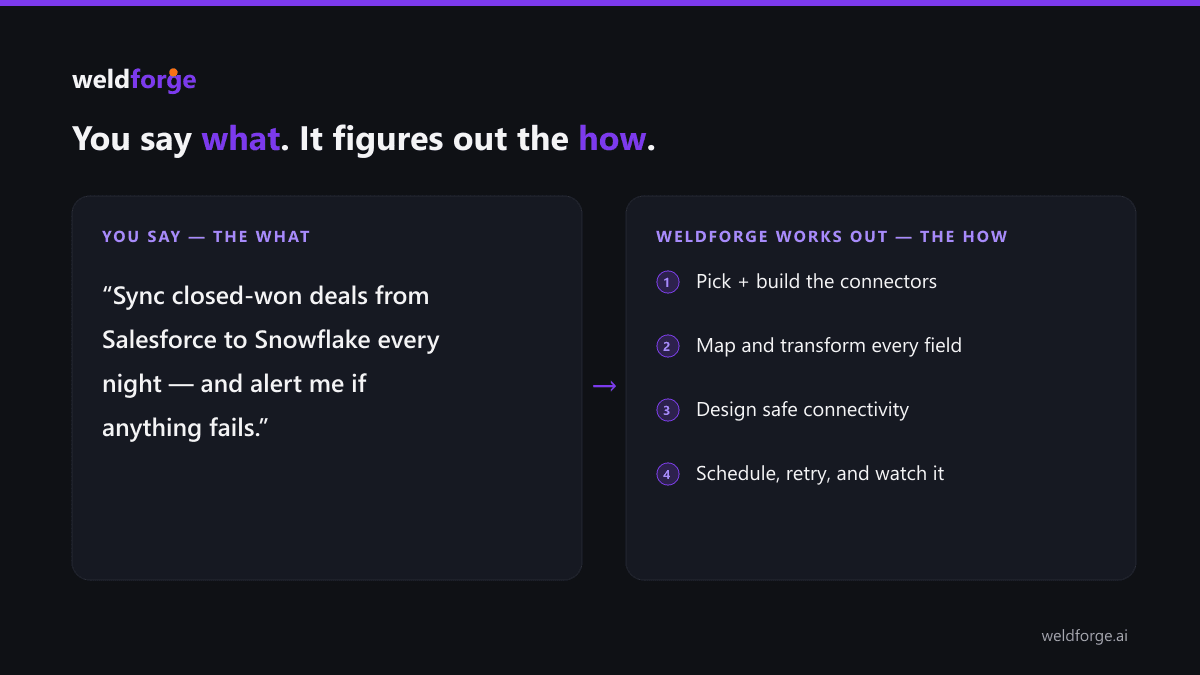
AI that transforms your data — described in plain English
Real integrations are rarely a straight copy. A field needs cleaning, a free-text note needs a category, a record needs sensitive data stripped before it leaves your walls. You can now describe those rules in plain language and Weldforge applies them to every record as it flows: categorize a support message, pull the order number out of a comment, summarize a long note, redact names and emails, translate to another language, or standardize messy values. No formulas, no code — just the outcome you want.
Talk to your mapping
Connecting two systems means lining up their fields. Now you can chat with the mapping assistant — "match the obvious fields, standardize the country to ISO codes, and trim the email" — and it fills in the map. Upload a messy spreadsheet of existing mappings in any layout and the AI reads it. Got something wrong? One click to re-draft, or "fix the issues" and review a clear before-and-after before anything is applied.
Pipelines across more than two systems
Some workflows are not A-to-B. An integration can now chain several systems in order — pull from one, enrich through another, land in a third — and even branch, with a step that runs only when the previous one actually produced data. The whole chain is one integration you can see and sign off on.
Connect to systems behind your firewall — in one click
On-prem or no public API? Describe the system in plain English and the connectivity advisor recommends the simplest safe way to reach it — usually a lightweight agent that only dials out, so there are no inbound firewall changes and no VPN to design. Pair it from the dashboard with a one-time token and you are connected.
AI decides what to cache — and how often
Lookups like country codes, currency names, or your own account mappings make transforms faster and more consistent. Describe what you need looked up and Weldforge proposes the reference tables to keep, recommends how often to refresh each, and drafts the rows. Bulk-upload your own from a spreadsheet when you have them.
Test before you go live
Run a mapping against sample data and see exactly what comes out — through the real engine, including the AI steps — before a single live record moves. Catch a wrong field or a bad rule in seconds, not after go-live.
Your data, your API
Pull your integration data into your own tools through a secure read API for runs, integrations, and status — with scoped access tokens (grant a token only what it needs) and rate limiting. Query runs by time window or by a business identifier like an invoice or order number.
More ways to connect
We also added file drops (read and write CSV/JSON in cloud storage), plus GraphQL and SOAP connectivity for modern and legacy APIs alike, and a consistent "ask AI" helper everywhere you build.
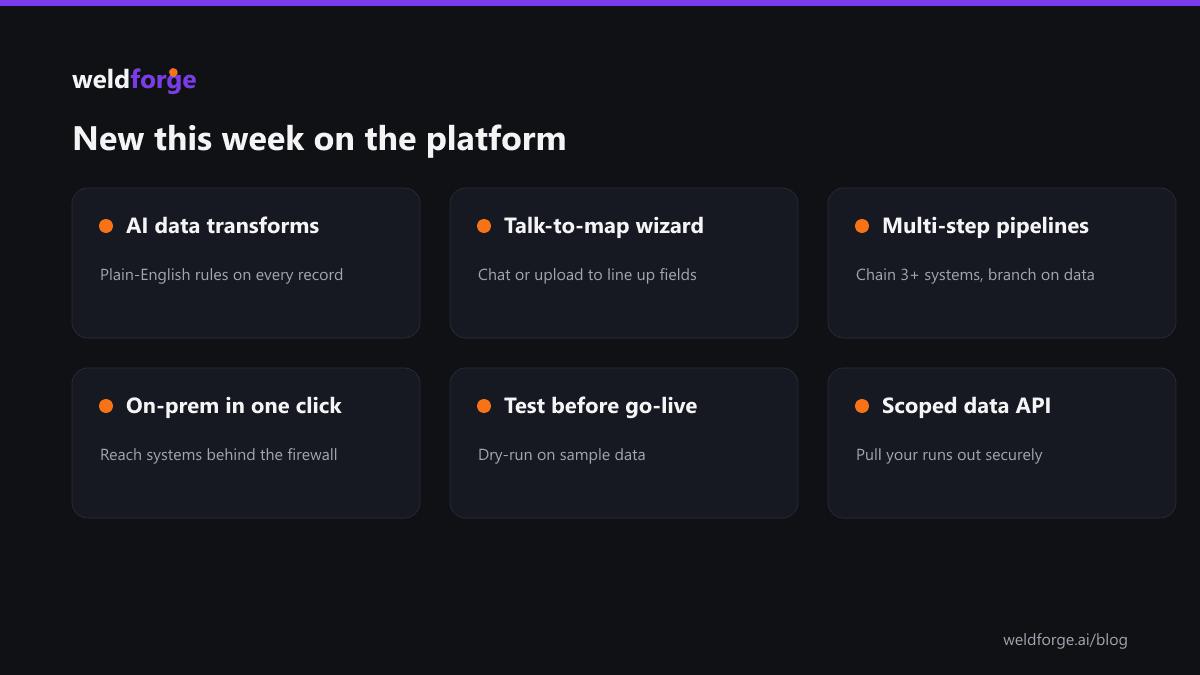
The throughline: the technical work — transforms, networking, mapping, testing, APIs — keeps moving behind a plain-English experience. You tell Weldforge what to connect. It figures out the how.